


This article will show you how to remove a domain in cPanel.
-
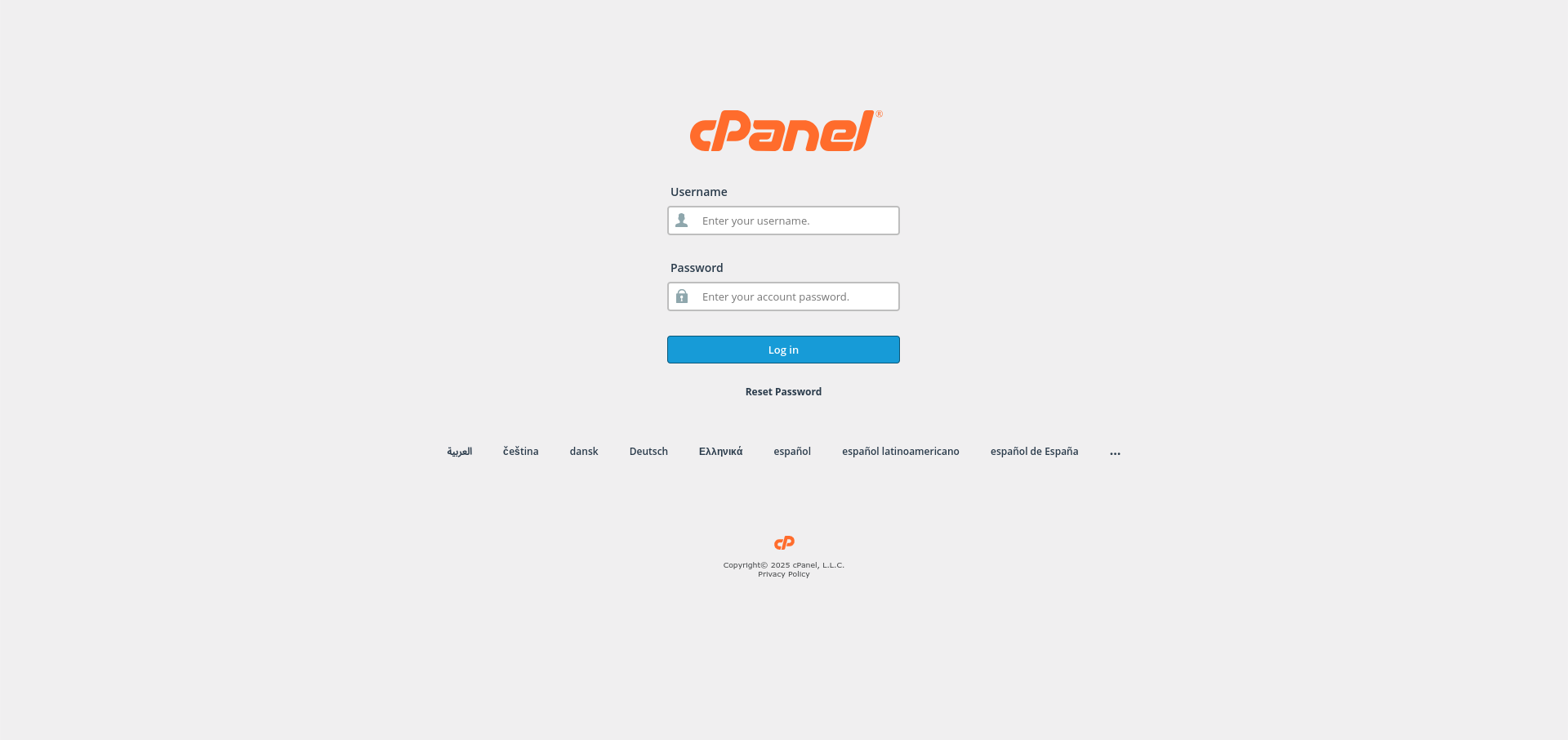
Log in to cPanel:
Use your user details to log in to the cPanel control panel.
-
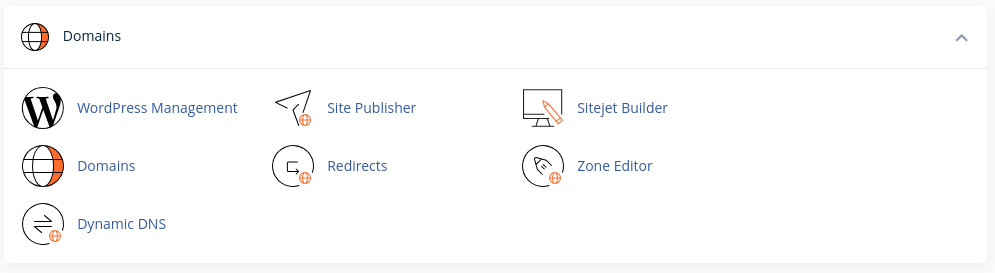
Navigate to the Domains Section:
Scroll down until you find the Domains subsection of cPanel.
-
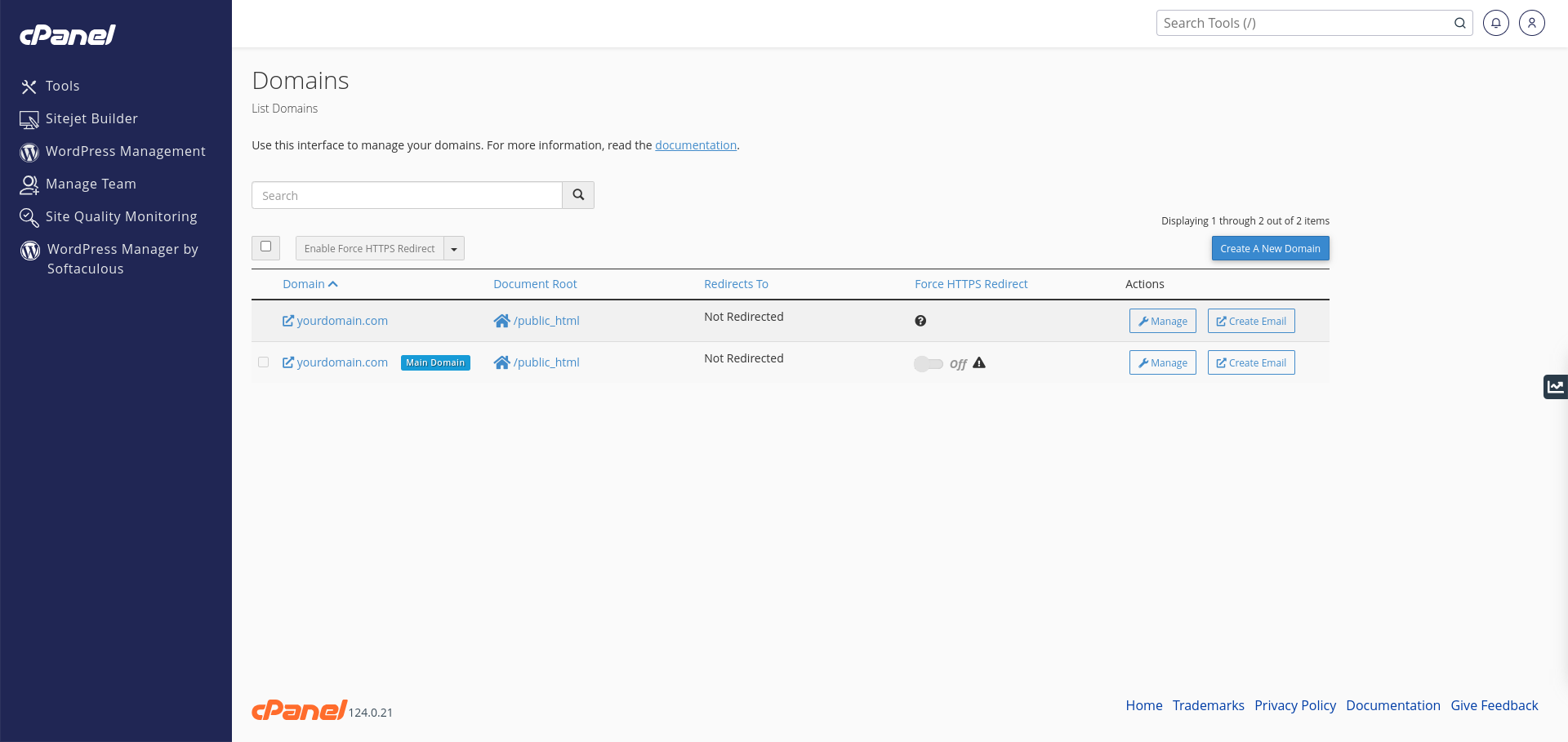
Access the Domains Page:
Click on the Domains page from the Domains subsection.
-
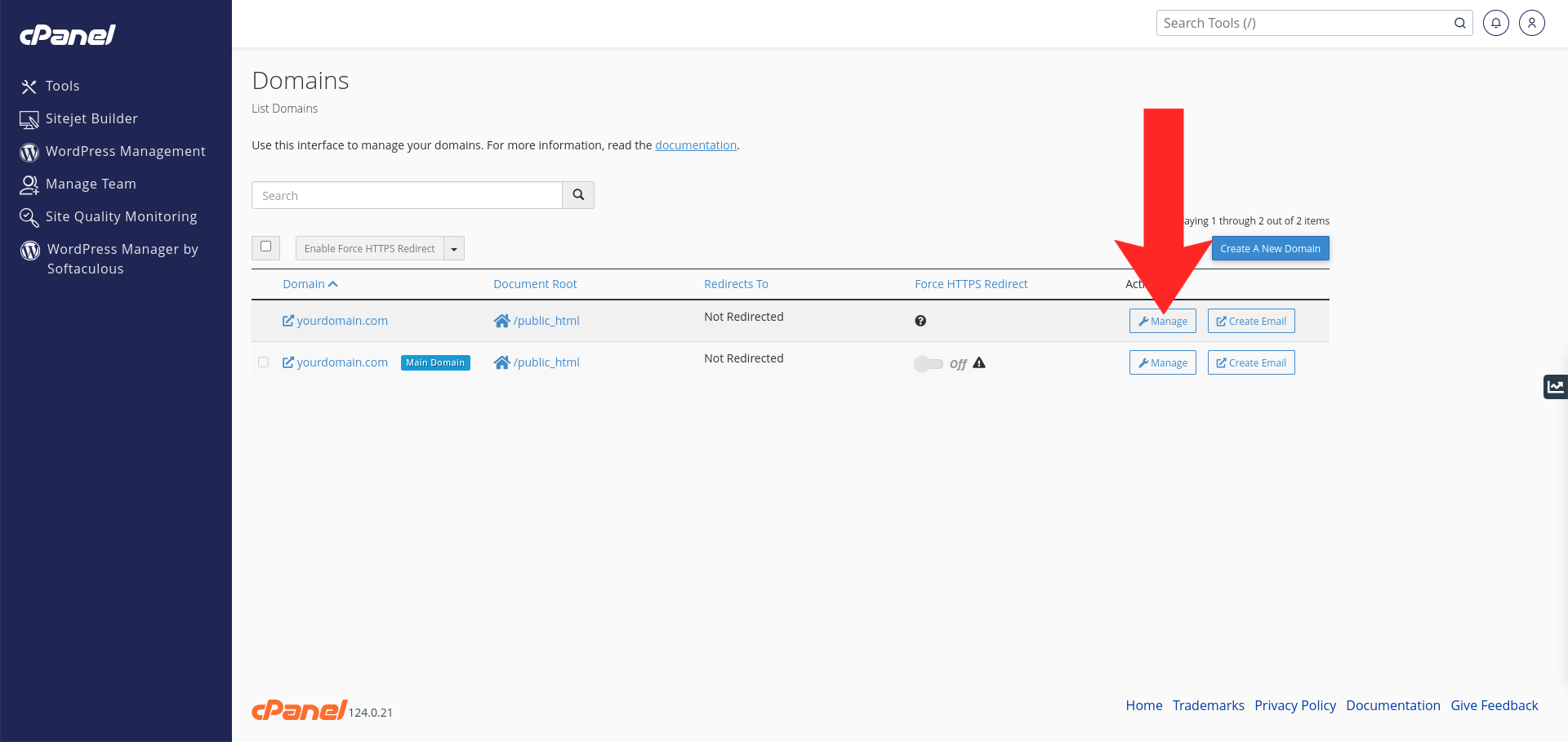
Manage the Domain:
Click the Manage button next to the domain you want to remove.
-
Remove the Domain:
Click the Remove Domain button at the bottom of the page.

Congratulations! You’ve successfully removed a domain in your cPanel control panel user account.


