


This article will show you how to create an FTP account in DirectAdmin.
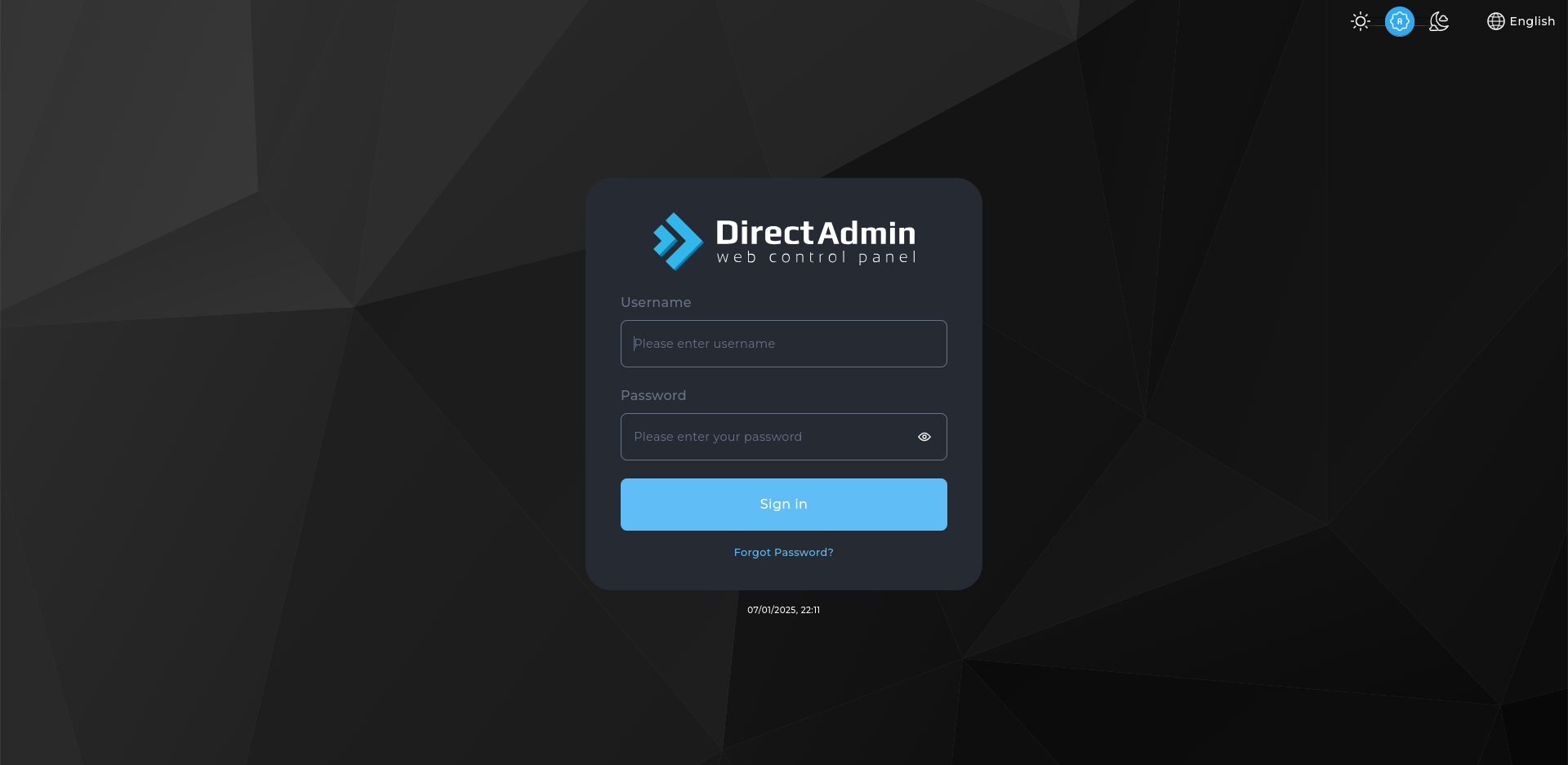
- Log in to DirectAdmin:
Use your user details to log in to the DirectAdmin control panel.
- Navigate to FTP Management:
On the homepage, click on FTP Management under the Account Manager section. - Click on "Create FTP Account":
On the FTP Management page, click the Create FTP Account button. - Enter FTP Account Details:
- FTP Username: Enter the desired username for the FTP account (e.g.,
ftpuser). - Enter Password: Set a secure password for the FTP account.
- Access Path: Select the path to which the FTP account will have access. You can choose the User directory or specify another in Custom.
- FTP Username: Enter the desired username for the FTP account (e.g.,
- Create the FTP Account:
After entering the required details, click the Create button to create the FTP account.
Congratulations! You’ve successfully created an FTP account in DirectAdmin. You can now use the FTP credentials to upload and manage files on your server.


