


This article will show you how to change your cPanel language.
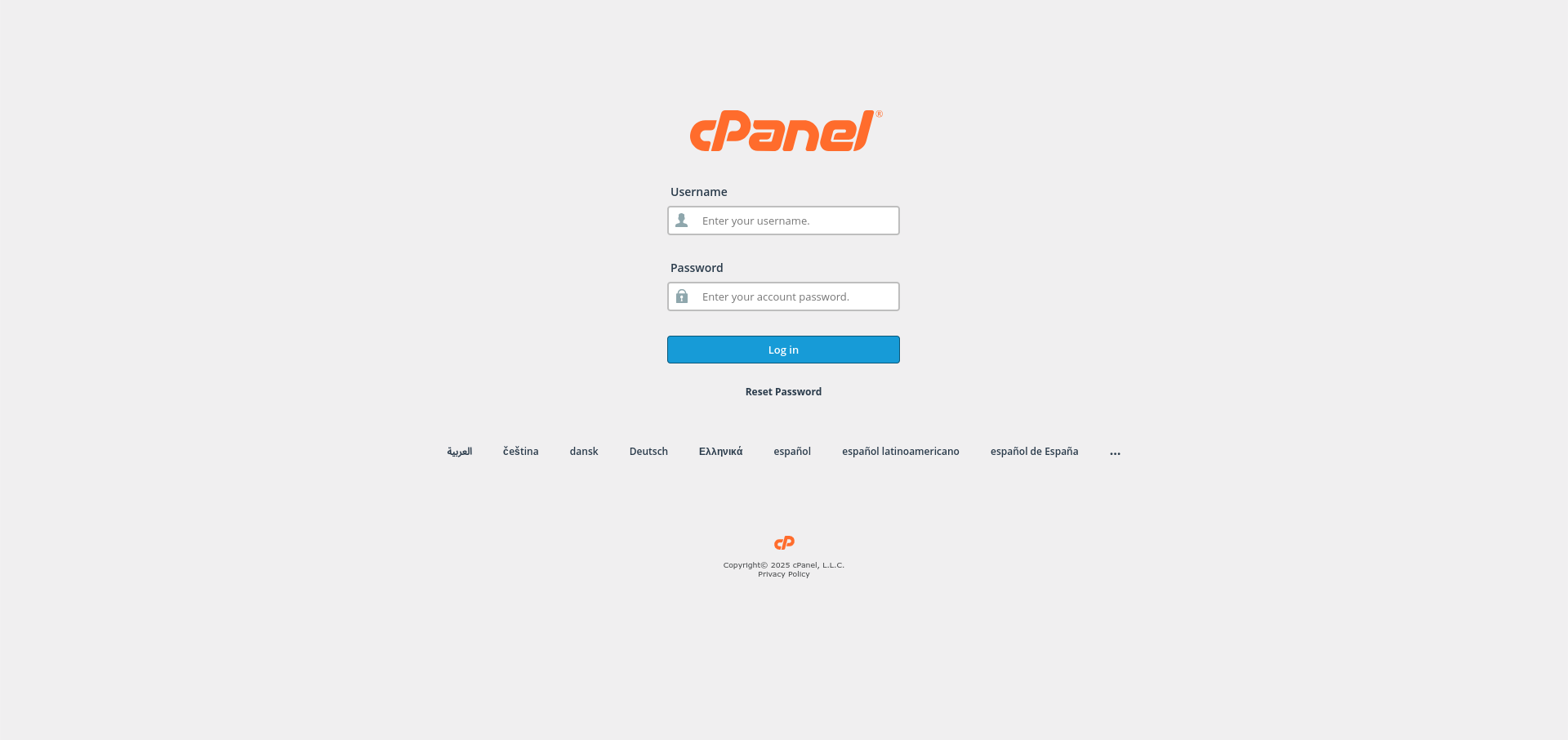
- Log in to cPanel:
Use your user details to log in to the cPanel control panel.
- Navigate to Language Settings:
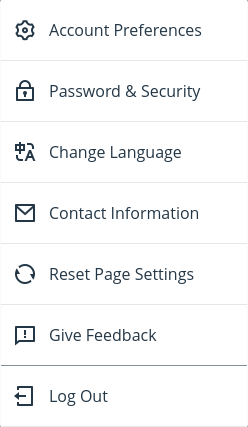
Click on your profile icon from the top-right corner of cPanel and select the Change Language option.
- Select Your Desired Language:
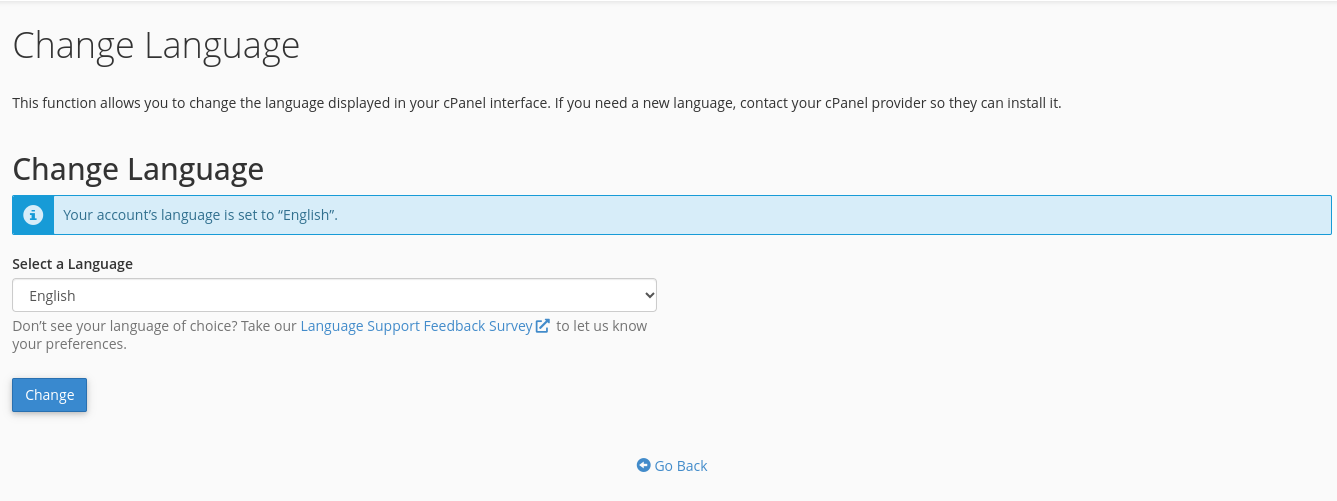
In the Change Language page, click the drop-down menu and choose the language you prefer.
- Confirm the Language Change:
Click the Change button at the bottom left to confirm your selection.

Congratulations! You’ve successfully changed the language for your cPanel control panel user account.


