


This article will show you how to create a database in cPanel.
-
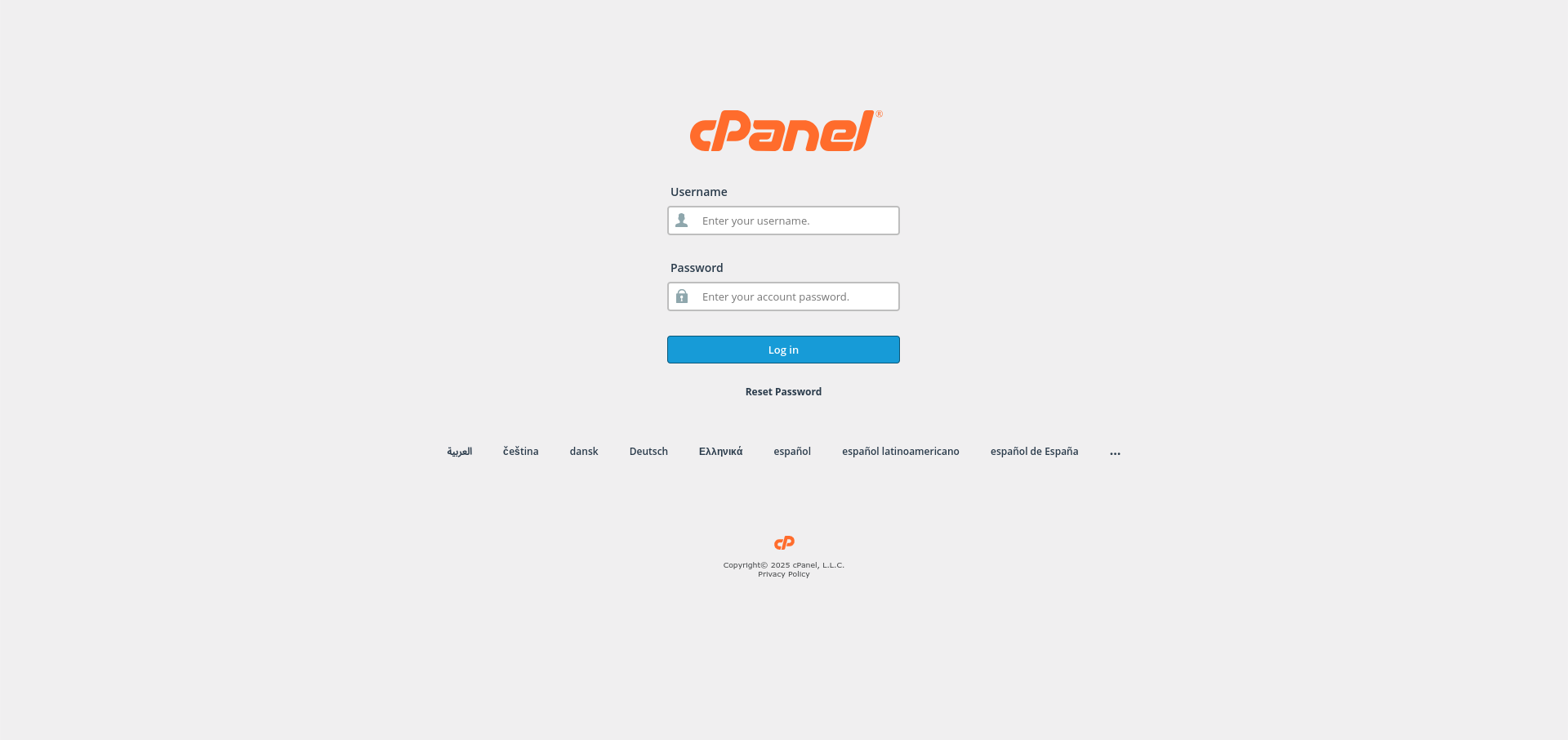
Log in to cPanel:
Use your user details to log in to the cPanel control panel.
-
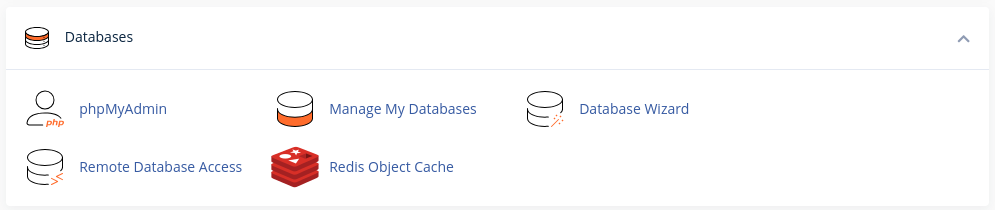
Navigate to the Databases Section:
Scroll down and find the Databases section in cPanel.
-
Access the Databases Page:
Click on the Manage My Databases option under the Databases section. -
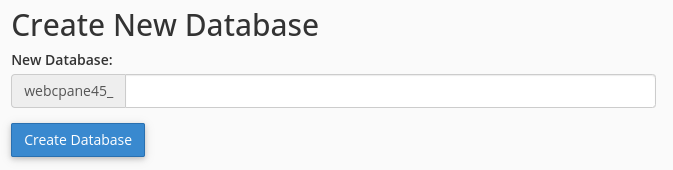
Create a New Database:
In the Create New Database section, enter a name for your new database and click the Create Database button.
-
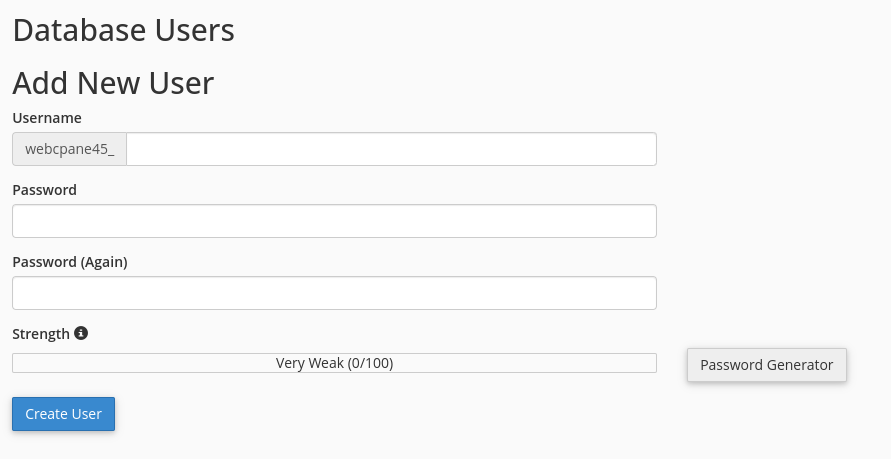
Create a Database User:
In the Database Users section, enter a username and a strong password for your new database user. Then, click the Create User button.
-
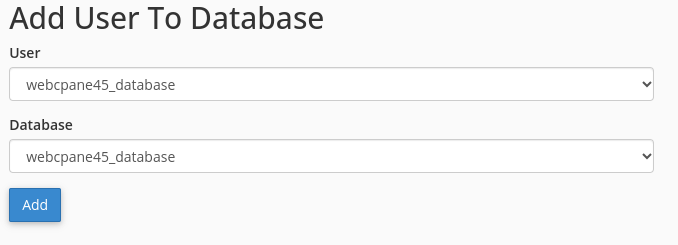
Assign User to Database:
In the Add User to Database section, select the newly created user and the database. Click Add.
-
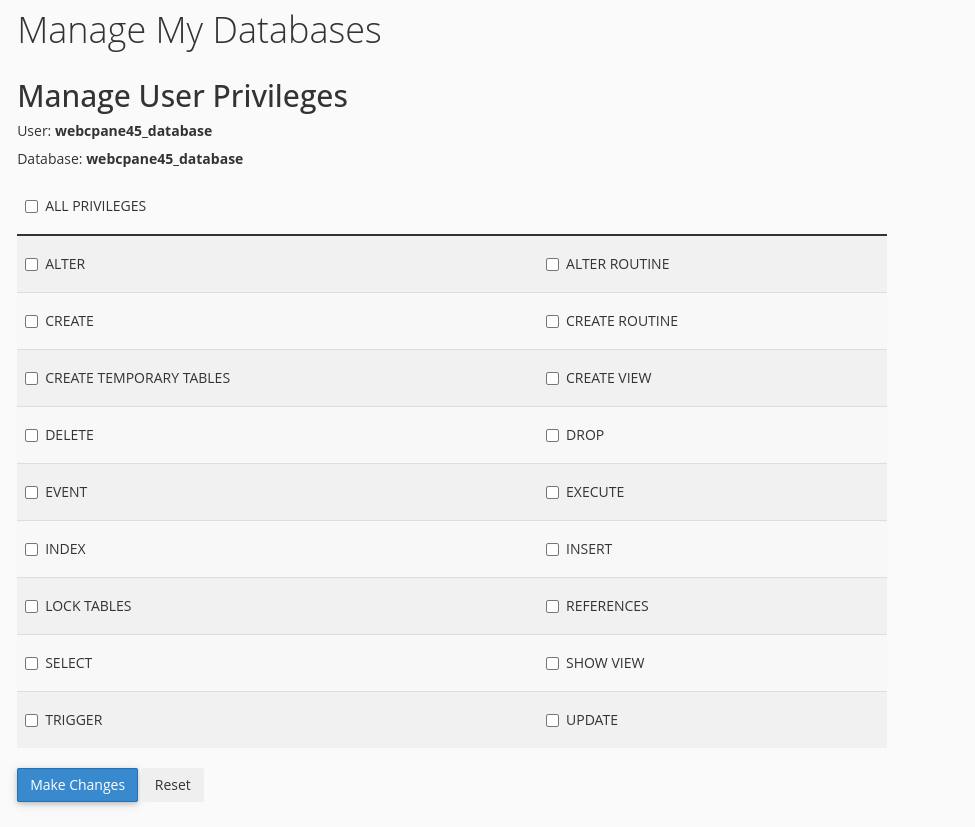
Set Database Privileges:
Select the privileges for the user (such as ALL PRIVILEGES) and click Make Changes to grant the selected privileges.
Congratulations! You’ve successfully created a database in your cPanel control panel.


