


This article will show you how to block an IP address in cPanel.
- Log in to cPanel:
Use your user details to log in to the cPanel control panel.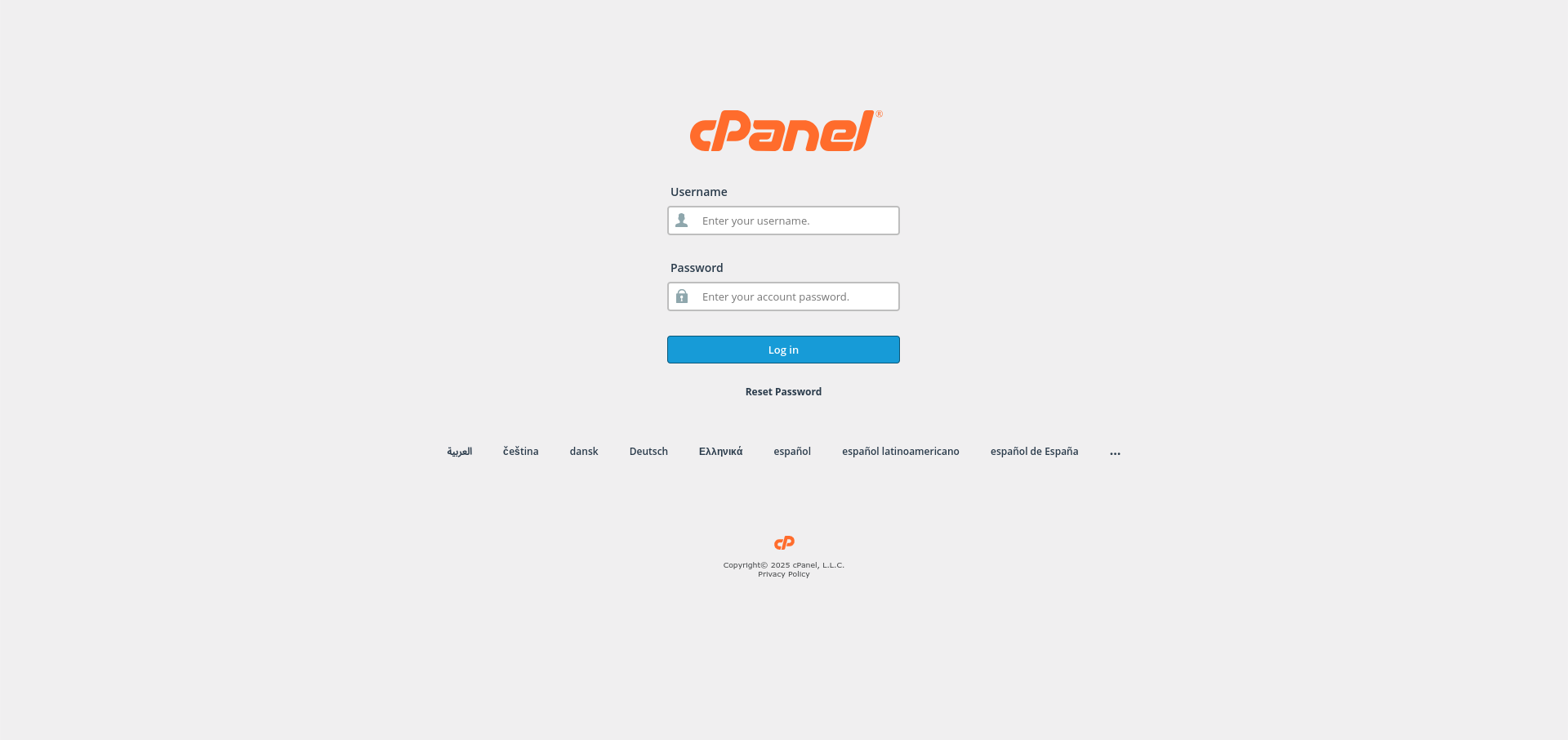
- Navigate to the Security Section:
Scroll down and find the Security section in cPanel.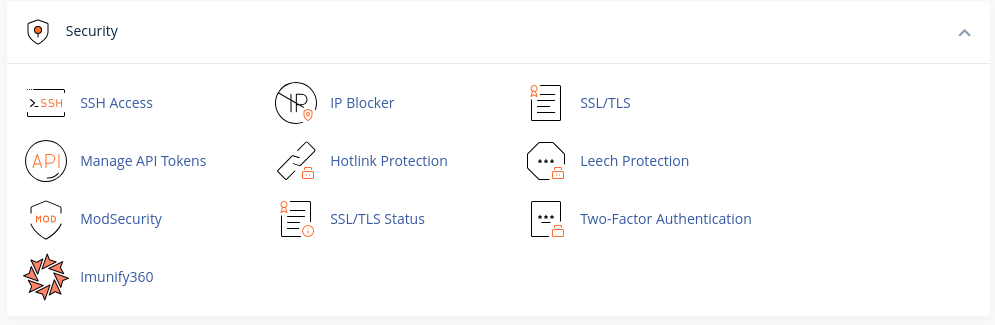
- Access IP Blocker:
Click on the IP Blocker option under the Security section.
- Add the IP Address to Block:
- In the IP Address or Domain field, enter the IP address or domain you wish to block.
- Click the Add button to implement the block.

Congratulations! You’ve successfully blocked an IP address in your cPanel control panel.


